




How to Create an SEO-Friendly Website Structure
Table of Contents
Why Website Structure Matters for SEO
Website structure plays a crucial role in:
-
Improving Crawlability: Search engines can index your pages more efficiently.
-
Enhancing User Experience: Visitors find information easily, reducing bounce rates.
-
Boosting Link Equity: Internal linking distributes authority across pages.
-
Supporting Content Relevance: A well-organized structure helps in content categorization.
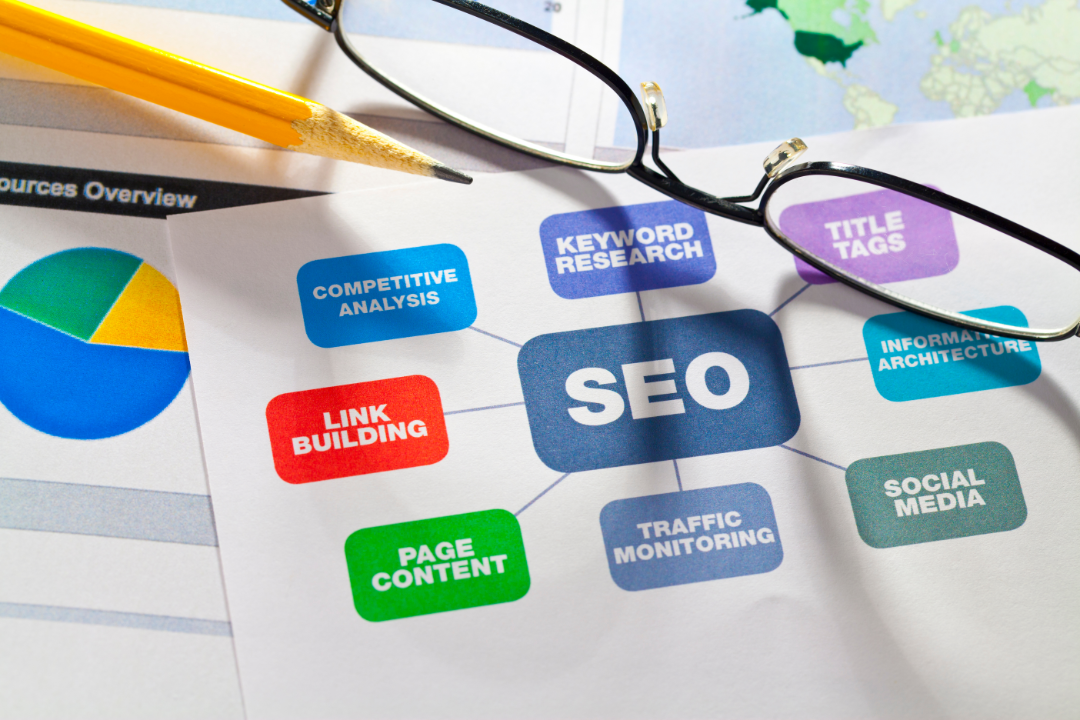
Best Practices for Site Architecture
Flat vs. Deep Architecture
-
Flat Architecture: Ensures pages are accessible within 3 clicks from the homepage, improving crawl efficiency.
-
Deep Architecture: Involves more levels but can be useful for large sites if well-organized.
Internal Linking Strategies
-
Use descriptive anchor texts for internal links.
-
Connect related content through topic clusters.
-
Ensure every page is linked from at least one other page.

URL Optimization for SEO
Best Practices for URL Structure
-
Keep URLs short and descriptive.
-
Use hyphens (-) instead of underscores (_).
-
Avoid dynamic parameters where possible.
Using Keywords in URLs
-
Include primary keywords naturally.
-
Avoid keyword stuffing.
-
Ensure readability for users and search engines.

Navigation Best Practices
Breadcrumb Navigation
-
Helps users track their location within the site.
-
Enhances internal linking and SEO relevance.
Mobile-Friendly Navigation
-
Use a responsive menu that adapts to different screen sizes.
-
Implement clear CTAs and easy-to-tap buttons.
Technical SEO Considerations
XML Sitemaps
-
Submit an XML sitemap to Google Search Console.
-
Ensure it includes important pages and excludes duplicate content.
Schema Markup
-
Use structured data to enhance search visibility.
-
Implement schema for articles, products, reviews, and more.
Conclusion
A well-structured website is essential for SEO success. By optimizing site architecture, URLs, and navigation, you improve user experience and search engine rankings. Follow these best practices to build a website that is both user-friendly and search engine-friendly.
FAQs
1. What is the best site structure for SEO?
A flat structure with logical categorization and internal linking is best for SEO.
2. How many levels deep should my website be?
Ideally, keep it within 3 clicks from the homepage to any page.
3. Do URLs impact SEO rankings?
Yes, short, keyword-rich, and descriptive URLs help improve rankings.
4. Should I use underscores or hyphens in URLs?
Always use hyphens (-) as Google treats underscores as word joiners.
5. What is breadcrumb navigation?
It is a secondary navigation system that helps users understand their location within a site.
6. How does internal linking help SEO?
It distributes link equity, helps search engines crawl your site, and improves user navigation.
7. What is schema markup?
It is a structured data format that helps search engines understand content better and display rich snippets.
8. Why is an XML sitemap important?
It helps search engines discover and index your site’s important pages efficiently.
9. How do I make my website mobile-friendly?
Use responsive design, optimized navigation, and fast loading speeds.
10. Should I include categories in my URLs?
Yes, if it helps with organization and clarity, but avoid making URLs too long.

