




Optimizing Product Filters for Better UX & SEO
Table of Contents
1. Understanding Product Filters and Their Importance
Product filters allow users to narrow down their choices by selecting specific attributes such as size, color, brand, price range, and more. Effective filtering ensures that customers find what they need quickly, leading to higher conversion rates.
Benefits of Well-Optimized Filters
-
Improved User Experience: Customers can refine product searches easily, reducing frustration and enhancing satisfaction.
-
Higher Conversion Rates: Faster discovery of products leads to increased purchases.
-
Better SEO Performance: Properly indexed filters help search engines understand site content, improving organic rankings.
-
Reduced Bounce Rates: Users are less likely to leave if they find relevant products efficiently.

2. UX Best Practices for Product Filters
2.1 Keep Filters Intuitive and User-Friendly
-
Use familiar filter categories that align with customer expectations.
-
Avoid excessive filter options that overwhelm users.
-
Implement collapsible filter sections for better organization.
2.2 Use Multi-Select and Clear Options
-
Allow users to select multiple filters simultaneously (e.g., multiple colors or brands).
-
Include a “Clear All” button to reset filters easily.
2.3 Display Relevant Filters Based on Category
-
Only show filters that are applicable to a given category.
-
Use dynamic filters that adjust based on user selections.
2.4 Optimize Filter Placement and Visibility
-
Position filters prominently on the left sidebar or as a horizontal toolbar.
-
Ensure filters are accessible on both desktop and mobile devices.
3. SEO Considerations for Product Filters
3.1 Avoid Duplicate Content Issues
-
Ensure that filtered pages do not create multiple URLs with similar content.
-
Use canonical tags to indicate the preferred version of a page.
3.2 Use SEO-Friendly URLs
-
Avoid URL parameters that generate excessive variations.
-
Implement static, readable URLs for important filter combinations.
3.3 Index Only High-Value Filtered Pages
-
Identify filtered pages that add value, such as "red running shoes" or "organic cotton t-shirts."
-
Use the robots.txt file to block unnecessary filter combinations from being indexed.
3.4 Implement Faceted Navigation Best Practices
-
Use JavaScript-based filters that do not generate indexable URLs where necessary.
-
Ensure proper internal linking to important filtered pages for improved SEO.
4. Technical Implementation for Optimized Filtering
4.1 Implement AJAX for Real-Time Filtering
-
AJAX allows users to filter products without page reloads, improving speed and UX.
-
Ensure that AJAX-generated content is crawlable by search engines.
4.2 Schema Markup for Filtered Pages
-
Use structured data (schema markup) to enhance search engine understanding.
-
Implement Breadcrumb schema for better navigation visibility in SERPs.
4.3 Optimize Load Speed for Filtered Pages
-
Use caching techniques to reduce server load.
-
Optimize images and scripts to improve page performance.
5. Common Mistakes to Avoid
5.1 Indexing Every Filter Combination
-
This leads to thin content issues and crawl budget wastage.
-
Instead, index only useful filter pages that provide unique value.
5.2 Poor Mobile Optimization
-
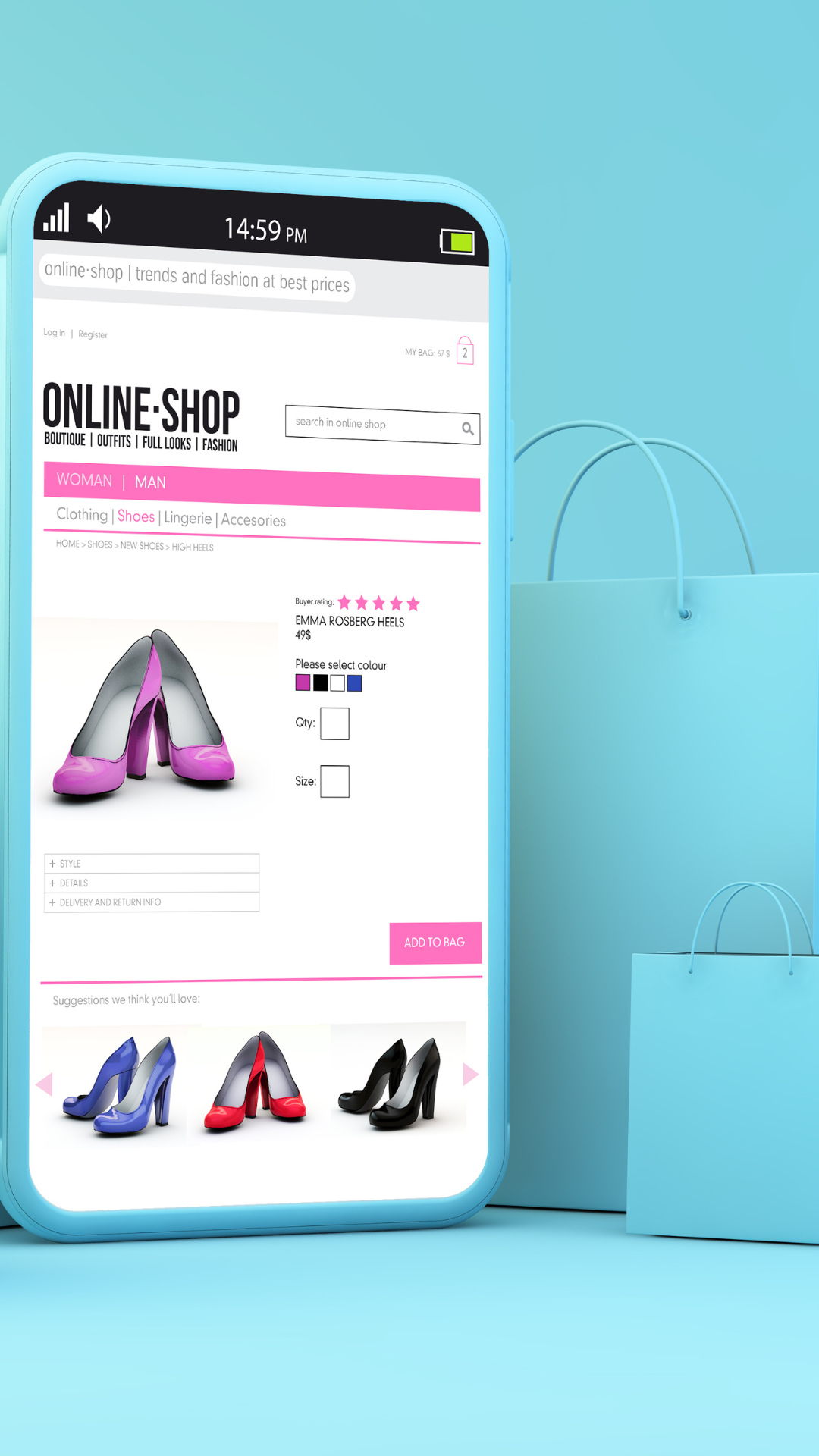
Ensure filters work smoothly on mobile devices.
-
Use touch-friendly designs with sufficient spacing.
5.3 Ignoring User Behavior Data
-
Analyze filter usage to refine and improve the filtering experience.
-
Remove underused filters or improve their visibility if necessary.

6. Measuring and Improving Filter Performance
6.1 Track User Interaction with Filters
-
Use tools like Google Analytics and heatmaps to monitor how users engage with filters.
-
Identify bottlenecks where users abandon searches due to filter complexity.
6.2 A/B Test Filter Layouts and Options
-
Test different filter placements, styles, and functionalities.
-
Measure changes in conversion rates and bounce rates to determine the best setup.
6.3 Continuously Optimize Based on Data
-
Regularly update filters based on user preferences and product inventory.
-
Adapt to emerging search trends and behaviors to stay competitive.
7. Conclusion
Optimizing product filters is essential for both user experience and SEO. A well-structured filtering system enhances navigation, increases conversion rates, and ensures that search engines effectively index valuable content. By following best practices and continuously improving filters based on user behavior, eCommerce businesses can create a seamless shopping experience while maximizing organic visibility.
8. FAQ
8.1 How do product filters impact SEO?
Product filters can create multiple URL variations, leading to duplicate content issues. Proper implementation with canonical tags and SEO-friendly URLs ensures search engines index valuable pages while avoiding redundancy.
8.2 What is faceted navigation, and why is it important?
Faceted navigation allows users to refine searches using multiple attributes (e.g., size, color, price). It enhances UX but needs careful implementation to prevent SEO issues like duplicate content.
8.3 Should all filtered pages be indexed?
No, only valuable filtered pages should be indexed. Use robots.txt or canonical tags to prevent excessive indexing of unnecessary filter combinations.
8.4 How can I improve the mobile experience for product filters?
Ensure filters are touch-friendly, easy to access, and responsive. Implement collapsible menus and optimize for fast loading times.
8.5 What tools can help analyze filter performance?
Google Analytics, heatmaps (like Hotjar), and A/B testing tools can help track user interactions and optimize filter effectiveness.

