




How to Optimize Your Images for SEO: Boost Rankings & Performance
Table of Contents
- Why Image Optimization Matters for SEO
- Understanding Image File Formats
- Choosing the Right File Size for Speed
- Naming Your Image Files for SEO
- Using Alt Text to Boost Visibility
- Creating Responsive Images for Mobile Devices
- Leveraging Image Sitemaps
- How to Compress Images Without Losing Quality
- Testing Image Performance
- Tools to Help You Optimize Your Images
- Common Mistakes to Avoid
- FAQ
Why Image Optimization Matters for SEO
Images are a crucial part of any website. They make content more engaging and visually appealing. But did you know they can also impact your website’s search engine rankings? Optimized images improve page load speeds, enhance user experience, and boost your site’s SEO performance. Search engines prioritize fast-loading and mobile-friendly websites, and optimized images play a huge role in achieving this.
Understanding Image File Formats
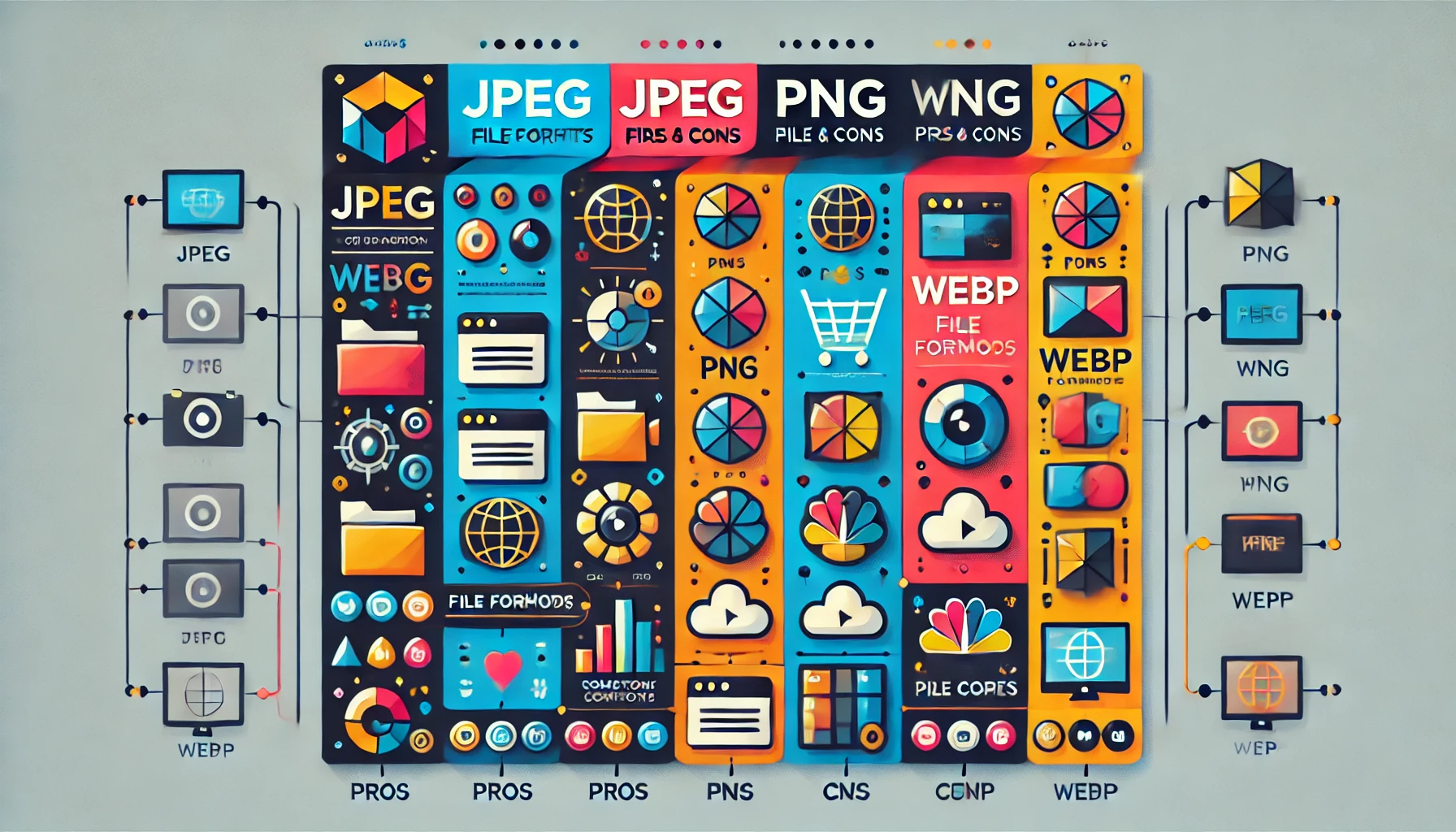
Choosing the right file format is key to balancing image quality and file size. Here’s a quick breakdown:
- JPEG: Ideal for photos due to smaller file sizes and good quality.
- PNG: Best for images with transparency but can have larger file sizes.
- WebP: A modern format with superior compression and quality.
- GIF: Suitable for animations, but not recommended for high-quality images.
Selecting the appropriate format ensures faster loading times without compromising visual appeal.
Choosing the Right File Size for Speed
Large images can slow down your site, frustrating users and hurting your SEO. Here’s how to determine the right size:
- Use tools like Photoshop or online compressors to reduce file size.
- Stick to dimensions that match your website’s layout. For example, don’t upload a 2000px-wide image if your blog only displays 800px-wide images.
- Aim for a file size under 150KB for most images.
Smaller file sizes mean faster load times, which positively affect your search rankings.
Naming Your Image Files for SEO
Before uploading images, rename the files with descriptive, keyword-rich names. For instance, instead of IMG1234.jpg, use optimized-images-for-seo.jpg.
Why this matters:
- Search engines crawl file names to understand image context.
- Descriptive names make images more relevant to search queries.
Pro tip: Use hyphens to separate words in file names for better readability.

Using Alt Text to Boost Visibility
Alt text (alternative text) describes your images to search engines and visually impaired users. Effective alt text helps your images rank higher in search results.
Tips for Writing Alt Text:
- Be specific: Describe what’s in the image.
- Include your target keyword naturally.
- Avoid keyword stuffing.
For example, an alt text for a product image could be: "White running shoes with lightweight design for outdoor activities."

Creating Responsive Images for Mobile Devices
With mobile-first indexing, Google prioritizes mobile-friendly websites. Responsive images adjust automatically to fit different screen sizes. Use these techniques to ensure your images are mobile-ready:
- CSS Media Queries: Serve different images based on the screen size.
- HTML
srcsetAttribute: Specify multiple image sizes for various devices.
Responsive images enhance user experience and improve your site’s mobile performance.
Leveraging Image Sitemaps
Image sitemaps help search engines index your images more effectively. They provide detailed information about your images, such as location and metadata.
Here’s how to create an image sitemap:
- Use tools like XML-Sitemaps.com or plugins like Yoast SEO.
- Add the
<image>tag in your sitemap. - Submit your sitemap in Google Search Console.
This ensures all your images are discoverable by search engines.
How to Compress Images Without Losing Quality
Compression reduces file size while maintaining visual quality. Use these tools for hassle-free compression:
- TinyPNG or TinyJPG: Simple drag-and-drop interface.
- ShortPixel: Great for bulk compression.
- ImageOptim: Ideal for Mac users.
Regular compression keeps your site fast and your visitors happy.
Testing Image Performance
It’s important to test how well your images perform. Use these tools:
- Google PageSpeed Insights: Checks loading times and provides suggestions.
- GTmetrix: Analyzes overall site performance.
- Pingdom Tools: Focuses on page speed and image optimization.
Test regularly to ensure your images remain optimized as you update your site.
Tools to Help You Optimize Your Images
Here are some handy tools to simplify image optimization:
- Canva: For designing and exporting web-friendly images.
- Photoshop: Advanced editing with save-for-web options.
- Kraken.io: Powerful image compression API.
- LazyLoad: Delays loading images until they are visible on-screen.
These tools streamline your workflow and ensure professional results.
Common Mistakes to Avoid
- Skipping Alt Text: Missed SEO opportunities.
- Uploading Uncompressed Images: Slows down your site.
- Using Generic File Names: Reduces relevance.
- Ignoring Mobile Optimization: Affects user experience.
- Not Updating Image Sitemaps: Leads to incomplete indexing.
Avoiding these mistakes ensures maximum benefits from your image optimization efforts.
FAQs About Image Optimization
Creative Title: "Your Image SEO Questions, Answered!"
Why is image optimization important for SEO?
Optimized images improve load times, user experience, and search rankings.
Which file format is best for SEO?
WebP is ideal due to its superior compression and quality.
How can I write effective alt text?
Be specific, descriptive, and include relevant keywords.
What’s the best way to compress images?
Use tools like TinyPNG or ShortPixel to maintain quality while reducing size.
Do images affect website speed?
Yes, large images can slow down loading times and hurt SEO.
What is lazy loading for images?
It’s a technique where images load only when they are visible, improving speed.
How do responsive images help SEO?
They enhance mobile performance and improve user experience.
Do I need an image sitemap?
Yes, it helps search engines index your images more efficiently.
How often should I test image performance?
Regularly, especially after updates to your website.
Can I use stock images for SEO?
Yes, but customize them with keywords in alt text and file names for better optimization.

