



The Importance of On-Page SEO for Website Success
Table of Contents
- What is On-Page SEO?
- Why On-Page SEO Matters for Website Success
- Key Elements of On-Page SEO
- Best Practices for Implementing On-Page SEO
- How On-Page SEO Impacts Your Overall SEO Strategy
- Common Mistakes to Avoid in On-Page SEO
- FAQs on On-Page SEO
- Conclusion
What is On-Page SEO?
On-page SEO is the process of optimizing individual web pages to rank higher in search engines and earn more relevant traffic. Unlike off-page SEO, which focuses on external signals like backlinks, on-page SEO involves making improvements to your actual website content and HTML source code.
Why On-Page SEO Matters for Website Success
On-page SEO is a critical factor in helping search engines understand what your website is about. Properly optimized pages make it easier for search engines to index your content, leading to higher rankings, more traffic, and ultimately, website success. Here’s why on-page SEO is essential for your website:
- Improved Visibility: Search engines are more likely to feature well-optimized pages.
- Better User Experience: Pages with optimized content and structure provide a better experience for users, reducing bounce rates and encouraging engagement.
- Higher Conversion Rates: SEO-friendly pages attract the right audience, increasing the chance of conversion.
By focusing on on-page SEO, you can improve your site’s usability and drive more organic traffic.
Key Elements of On-Page SEO
To succeed with on-page SEO, it's essential to focus on several key elements. Let’s explore these in detail:
a. Title Tags and Meta Descriptions
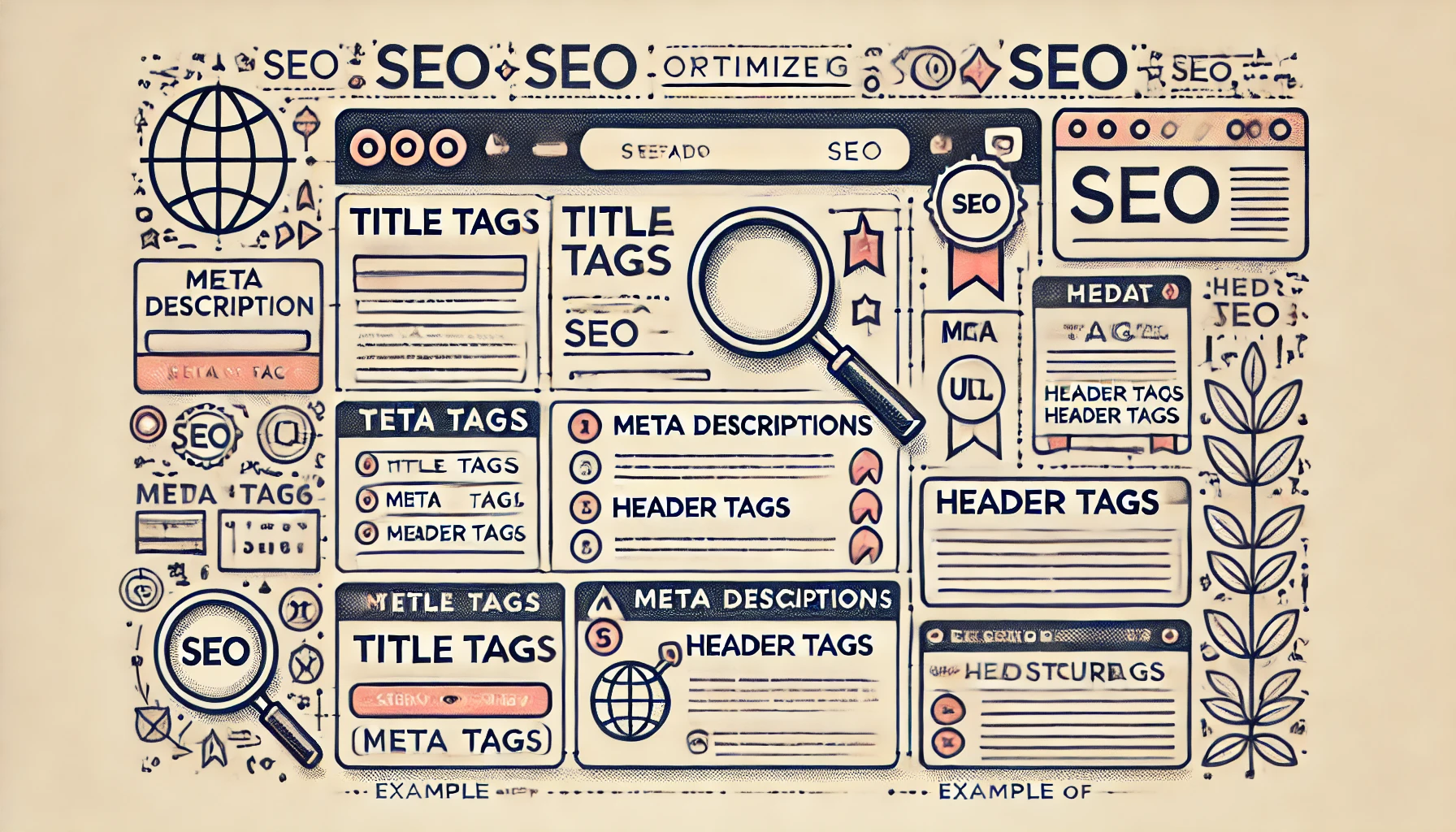
The title tag and meta description are crucial for both SEO and user engagement. Here’s how they impact your website:
- Title Tags: These give a concise idea of what your page is about. An optimized title tag with the primary keyword enhances your visibility in search results.
- Meta Descriptions: These are brief descriptions that appear below the title in search engine results. A compelling, keyword-rich meta description encourages users to click on your link.
b. Header Tags (H1, H2, H3)
Headers play a significant role in structuring content, making it easier for search engines and users to read. Effective header tags:
- Break Down Content: They help organize information into manageable sections.
- Improve Readability: Well-structured headers make it easier for readers to skim content.
- Support Keyword Optimization: Including keywords in headers boosts relevance.
c. High-Quality Content
Quality content is the backbone of on-page SEO. Content that’s valuable, informative, and engaging not only satisfies user intent but also keeps visitors on your page longer. High-quality content should:
- Answer User Queries: Offer useful information that directly addresses user searches.
- Be Original and Informative: Search engines prioritize unique content.
- Incorporate Keywords Naturally: Use primary and related keywords without overstuffing.
d. URL Structure
URLs should be clean, descriptive, and SEO-friendly. A good URL structure:
- Reflects the Content: URLs should give users an idea of the page topic.
- Uses Keywords: Including keywords in the URL can slightly improve ranking.
- Is Easy to Read: Avoid long, confusing URLs with random characters.
e. Image Optimization
Images add value to your content, but they need to be optimized to avoid slowing down your site. Here’s how to optimize images:
- Alt Text: Alt text helps search engines understand the image content and is essential for accessibility.
- File Size: Compress images to improve page load time.
- File Names: Use descriptive file names with relevant keywords.
f. Internal Linking
Internal links help distribute link equity across your website and guide users to other valuable pages. Benefits include:
- Improved Navigation: Helps users find relevant content.
- SEO Value: Internal links signal search engines about your site’s structure.
- Longer Session Duration: Encourages users to explore more pages.
g. User Experience (UX) Factors
User experience is increasingly important in on-page SEO. Elements like page speed, mobile-friendliness, and a clean layout contribute to UX and directly impact SEO performance. Key UX factors to consider include:
- Page Speed: Faster pages retain more users.
- Mobile Optimization: Mobile-friendly sites rank better as search engines prioritize mobile-first indexing.
- Readability: Use font size, color, and spacing that enhance readability.
Best Practices for Implementing On-Page SEO
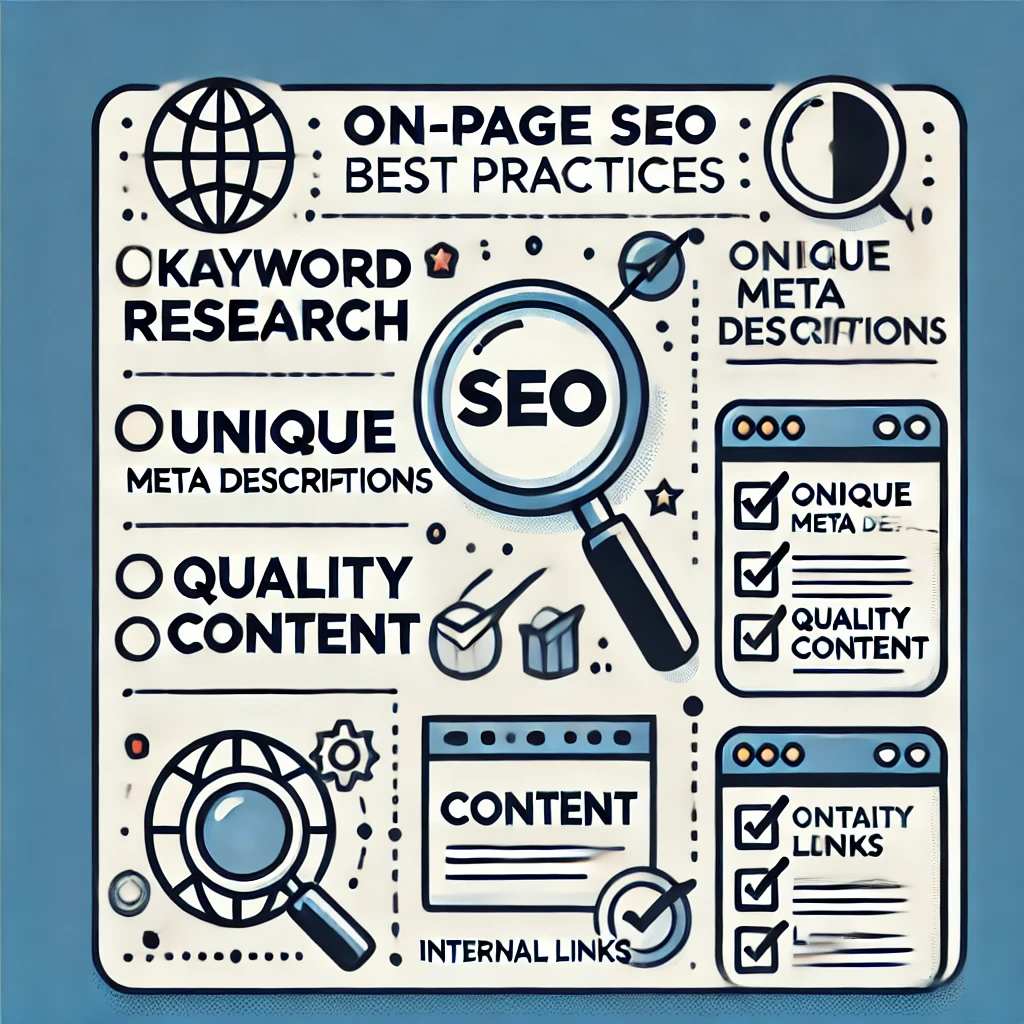
Applying best practices in on-page SEO can significantly improve your website’s performance. Here’s a list to follow:
- Research Keywords Thoroughly: Focus on primary and related keywords for each page.
- Optimize for Search Intent: Ensure your content aligns with the searcher's purpose.
- Write Unique Titles and Descriptions: Avoid duplicating titles and meta descriptions.
- Focus on Content Quality and Length: Content depth matters; longer, in-depth pages often rank better.
- Regularly Update Content: Keeping your content fresh signals relevance to search engines.
How On-Page SEO Impacts Your Overall SEO Strategy
On-page SEO supports your broader SEO strategy by strengthening the foundation of your site. Here’s how it integrates with other SEO efforts:
- Supports Link Building: Pages with high-quality on-page SEO attract more backlinks.
- Improves User Metrics: Better on-page experiences contribute to lower bounce rates and higher engagement.
- Complements Technical SEO: Ensuring fast loading and clean code enhances on-page SEO effectiveness.
In summary, on-page SEO amplifies the impact of other SEO efforts, creating a seamless, optimized experience for users and search engines alike.
Common Mistakes to Avoid in On-Page SEO
Even with best practices in place, some common errors can hinder your on-page SEO success. Here are mistakes to watch out for:
- Keyword Stuffing: Overusing keywords leads to unnatural content and can hurt rankings.
- Neglecting Mobile Optimization: Failing to optimize for mobile affects both SEO and user experience.
- Ignoring Alt Text for Images: Missing alt tags limits accessibility and reduces your SEO potential.
- Skipping Analytics: Regularly reviewing performance data ensures your on-page SEO is effective.
- Using Duplicate Content: Repeating content across pages can lead to penalization.
FAQs on On-Page SEO
1. What is the primary focus of on-page SEO?
On-page SEO focuses on optimizing content and HTML elements within individual pages to improve search visibility.
2. How do title tags affect SEO?
Title tags help search engines and users understand the content of a page, directly impacting click-through rates and rankings.
3. What’s the role of meta descriptions in SEO?
Meta descriptions provide a brief summary of a page's content, which can improve click-through rates if written effectively.
4. How does high-quality content improve SEO?
Quality content satisfies user intent, retains visitors longer, and encourages sharing and linking, which enhances SEO.
5. Why is mobile optimization important for on-page SEO?
With mobile-first indexing, search engines prioritize mobile-friendly sites, making mobile optimization essential for high rankings.
6. How do internal links affect on-page SEO?
Internal links improve site navigation, distribute link equity, and encourage users to spend more time on your site.
7. Is URL structure important in on-page SEO?
Yes, a clean, descriptive URL structure improves user experience and provides search engines with clues about the content.
8. What are some common on-page SEO mistakes?
Common mistakes include keyword stuffing, neglecting mobile optimization, and ignoring image alt text.
9. How often should I update my content for SEO?
Updating content every few months or as new information becomes available can keep your pages relevant and competitive.
10. Do images play a role in on-page SEO?
Yes, optimized images with alt text improve accessibility, reduce load times, and contribute to SEO by enhancing content value.

